
BB6Bet Registration, Login & Forgot Password Guide 2026
Download Now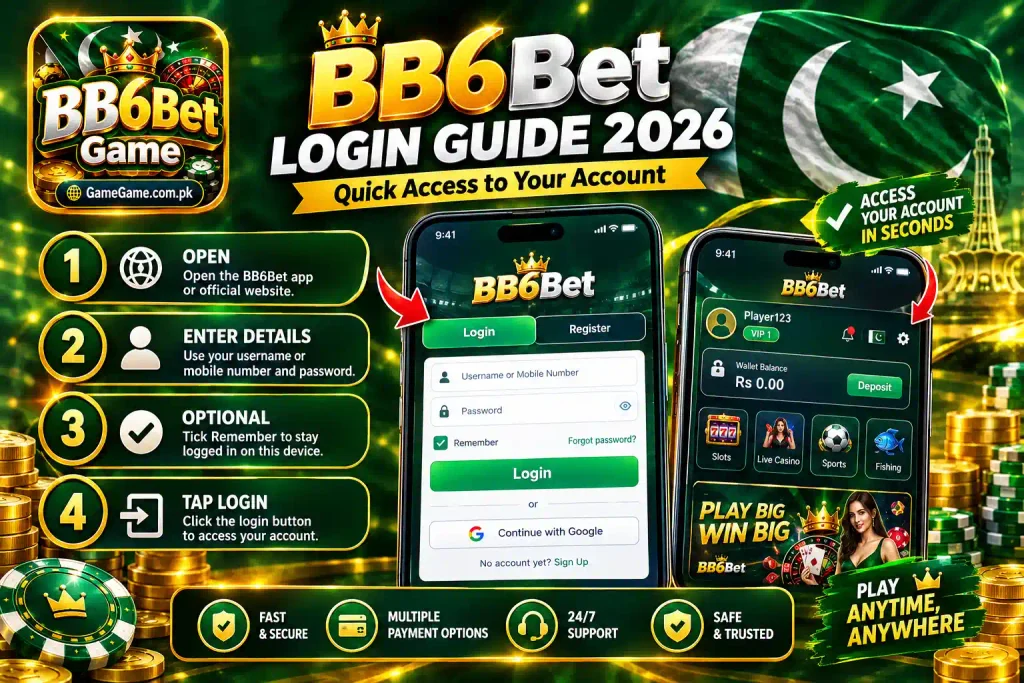
Setting up a BB6Bet account should take under two minutes, but only if you know which fields are required and where the recovery options sit. This guide covers the full flow: BB6Bet registration, BB6Bet login, and password recovery if you get locked out.
Before You Register
Online gambling involves real money and real risk. Confirm you are legally allowed to play in your region, and only deposit amounts you can comfortably afford to lose.
Table of Contents
BB6Bet Registration
Registration is available from the website and from the BB6Bet app. You will see Login and Register tabs at the top. Tap Register to begin.
Fields You Need
| Field | What to Enter |
|---|---|
| Username | A unique username for your account |
| Password | A strong password |
| Confirm Password | The same password again |
| Real Name | Your legal name |
| Captcha | The code shown on screen |
| Age Confirmation | Tick “I am 18 years old and agree to accept Terms of use and Privacy Policy” |
Steps
- Open the BB6Bet app or official website(BB6Bet.com).
- Tap the Register tab.
- Fill in username, password, and confirm password.
- Enter your real name exactly as it appears on your bank account.
- Type the captcha code.
- Tick the 18+ age and terms checkbox.
- Tap Register.
- Tap Reset if you need to clear the form and start again.
There is also a Google connection option that links your Google account and skips manual entry.
Keep your real name consistent. BB6Bet states that account-name mismatches with your bank details can cause bonuses and winnings to be removed.
BB6Bet Login
Once registered, you can log in from the app or the browser.
Fields You Need
| Field | What to Enter |
|---|---|
| Username or Mobile Number | Your account identifier |
| Password | Your registration password |
| Remember | Tick to stay logged in on this device |
| Forgot Password? | Link to password recovery |
| Login | Tap to sign in |
Steps
- Open the BB6Bet app or website.
- Enter your username or mobile number.
- Enter your password.
- Optionally tick Remember.
- Tap Login.
A Google connection option is also available if you linked your account during registration. If you do not have an account, tap No account yet? Sign Up to reach the registration form.
Avoid ticking Remember on shared or public devices.
Forgot Password Recovery
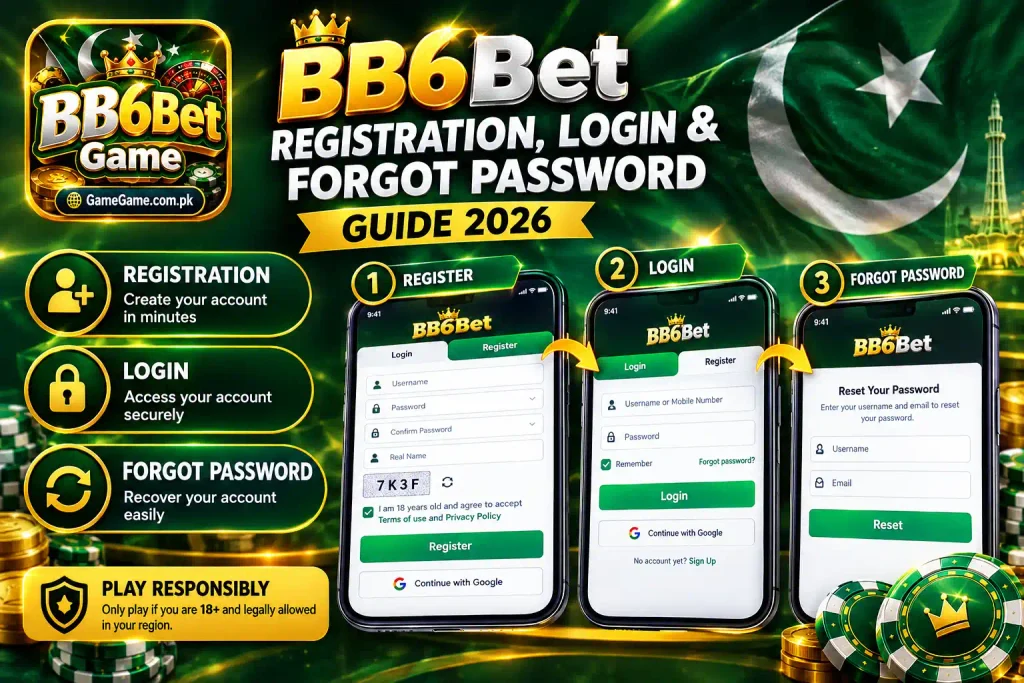
If you cannot recall your password, tap Forgot password? on the login screen.
| Field | What to Enter |
|---|---|
| Username | Your BB6Bet username |
| The email linked to your account | |
| Reset | Tap to submit the request |
Enter your username and email, tap Reset, then follow the instructions sent to your inbox. The email must match the one used at registration or the reset will not process.
Quick Tips
- The captcha changes each time. Enter it exactly as shown.
- Real name consistency across your account, bank, and e-wallet prevents withdrawal and bonus issues.
- Remember keeps you signed in. Use it on personal devices only.
- Reset on the registration form clears all fields.
- The 18+ requirement is enforced at signup.
Frequently Asked Questions
What is required for BB6Bet registration?
A username, password, confirm password, real name, captcha, and the 18+ age and terms checkbox.
Can I register with Google?
Yes. The Google connection option links your Google account during registration.
What do I use for BB6Bet login?
Your username or registered mobile number, plus your password.
How do I recover a forgotten password?
Tap Forgot password? on the login screen, enter your username and email, then tap Reset and follow the emailed instructions.
Does BB6Bet have an age requirement?
Yes. You must be 18 or older and confirm this during registration.
Final Thoughts
BB6Bet registration needs six things: username, password, confirmation, real name, captcha, and the 18+ checkbox. BB6Bet login uses your username or mobile number with your password, plus an optional Remember checkbox and a Google alternative. If you forget your password, the recovery route asks for your username and email and resets from there.
Note: Keep your real name consistent, never share your credentials, and the whole flow stays simple.